

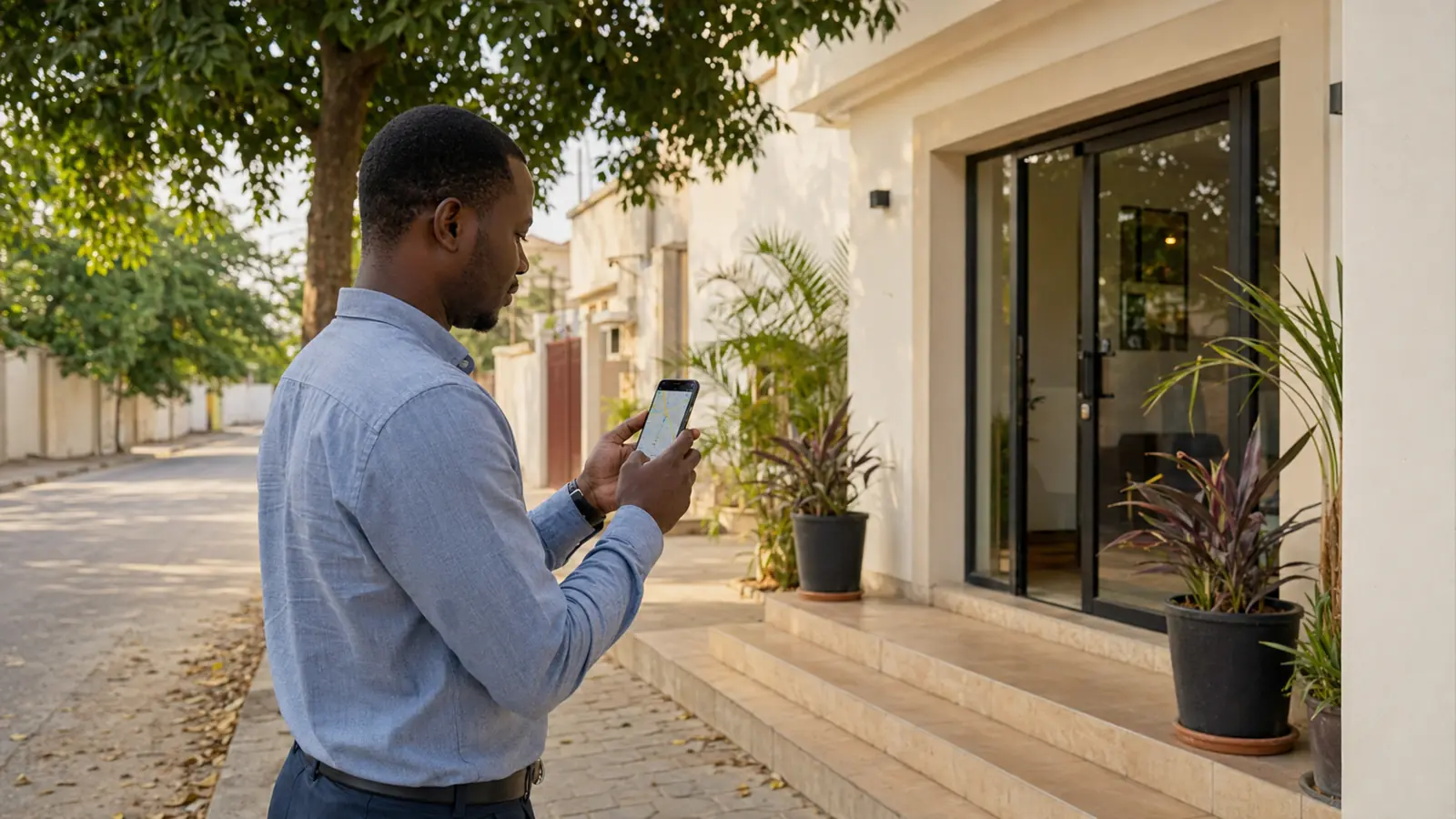
People do not only use Google to discover a business for the first time.
They use it to check what somebody told them.
A customer hears the name from a friend, sees a post on Facebook or TikTok, notices the sign on Kairaba Avenue or receives the location in WhatsApp. Google Maps is where they look for the pin, opening hours, telephone number, photographs and reviews before deciding to call or visit.
If that information is missing or wrong, the business can lose a customer it had already convinced.

Is a Google Business Profile free?
Yes. Google does not charge a business to create or claim an eligible Business Profile on Search and Maps.
The business may choose to pay a provider for setup, photography, local SEO or ongoing management. That is a service fee, not a Google listing fee.
Avoid anyone who claims to sell permanent ownership of a Maps position or guarantees the number-one ranking. Google decides local results, and no provider can buy an organic position.
Check whether the business already exists
Open Google Maps and search:
- the exact business name
- common spelling variations
- the telephone number
- the business category and area
- an old name if the company recently rebranded
Creating a second profile when one already exists can split reviews and confuse customers. If you find the correct listing, look for the option to claim or manage it.
If another person already controls the profile, use Google’s ownership-request process. Do not create a duplicate as the first response.
Add a business that is not on Maps
Google’s current process can be started from Google Business Profile or from Google Maps.
The exact screens and verification choices can vary, but the basic sequence is:
- Sign in with a company-controlled Google account.
- Choose the option to add the business.
- Enter the real business name.
- Select the most accurate primary category.
- Add the physical location if customers visit it, or define a service area where appropriate.
- Add the telephone number and website.
- Complete the verification method Google offers.
Use the real-world identity customers see on the sign, invoices and website. Adding extra keywords to the business name can create inconsistency and may violate Google’s rules.
The official instructions are available in Google’s guide to adding or claiming a Business Profile.
Put the pin where a customer can actually arrive
An address alone may not be enough in The Gambia. Road names and property numbering are not always the way people navigate.
Check the marker from the customer’s point of view:
- Is it on the correct side of the road?
- Does it point to the entrance rather than the centre of the property?
- Will the route bring a driver to an accessible gate?
- Does the place name match what staff say on the phone?
- Is a nearby landmark useful in the description or directions?
Ask somebody who has never visited to follow the pin. A five-minute real test is more useful than assuming the map is correct.
Do not move a pin simply to appear in a more popular area. Accuracy helps customers and protects the profile.
Choose the category customers expect
The primary category tells Google what kind of business it is. Choose the closest available category, not the broadest one.
Examples may include hotel, restaurant, car dealer, computer store, law firm, beauty salon or internet service provider. Available categories change, so select from Google’s current list rather than forcing a description into the business name.
Secondary categories can cover genuine additional activities. Too many unrelated categories make the profile less clear.
The category should agree with the website and the service the customer sees on arrival.
Complete the information that affects a decision
A live profile is only the beginning.
Review:
- telephone and WhatsApp route
- website
- opening and special hours
- business description
- services, products or amenities where available
- accessibility information
- check-in, delivery or appointment details where relevant
- social links if the feature is available
- the exact map pin
Google advises businesses to keep information complete and accurate because it helps customers understand what the business does, where it is and when they can visit. See Google’s local ranking guidance.
If the website, Maps profile and Facebook page show different hours or numbers, the customer does not know which one to trust.
Use photographs that answer real questions
Start with photographs that make the place recognisable:
- exterior from the direction most customers approach;
- entrance and sign;
- interior;
- team at work;
- main products, rooms, vehicles, dishes or services;
- parking, reception or access details if they matter.
Use recent images from the actual business. Do not fill the profile with generic stock photography or AI-generated interiors that a visitor will not find.
For a hotel or restaurant, the photographs set an expectation. For a professional office, they reduce uncertainty about the location. For retail, they help confirm that the shop carries the type of product the customer needs.
Add new images when the place, team or offer changes.
Reviews must come from real customers
Ask after a genuine transaction, visit or completed service. Make the link easy to reach, but allow the customer to write in their own words.
Do not buy reviews, create them from staff accounts or offer a reward only for a positive rating. Fake engagement can damage trust and create problems with the profile.
A simple operating process works:
Complete the service → ask at the right moment → send the review link → respond → record useful feedback
Reply like a real business. Thank positive reviewers. For criticism, acknowledge the issue, avoid arguing publicly and move any private details into a suitable channel.
Connect Maps to the next action
The listing is not finished when the customer finds it.
Test what happens next:
- Does the phone number ring?
- Does the website load quickly on mobile data?
- Does WhatsApp open the correct business account?
- Can the customer ask about the specific room, vehicle, product or service?
- Do staff know who owns the reply?
- Can the business tell which enquiries came from Google?
If the website needs work, use the 2026 guide to website design in The Gambia. If messages disappear after they arrive, review the WhatsApp and CRM workflow.
Keep ownership with the company
Use an appropriate company-controlled account as the primary owner.
Staff and agencies can receive managed access for their work. They should not be the only route to recover the listing.
Record:
- primary owner
- other managers
- recovery email and phone
- date of the last access review
- agency or supplier access
- what happens when an employee leaves
The same rule applies to the domain, website, analytics and advertising accounts. The digital ownership checklist explains what to verify.
How to know whether the profile is working
Do not measure success only by profile views.
Watch for:
- calls and direction requests
- website visits
- the search phrases shown in profile performance
- repeated questions
- new reviews and their themes
- enquiries that become visits, bookings or sales
- searches where the business appears with wrong information
Ask a new customer how they found you. A short note in the enquiry or sales process connects online visibility to a real outcome.
Google Maps often sits in the middle of the journey, between recommendation and contact. Make that middle step accurate, current and easy to trust.
Palmward helps businesses connect Maps, website, WhatsApp and follow-up so that being found leads somewhere useful.


.jpg)