

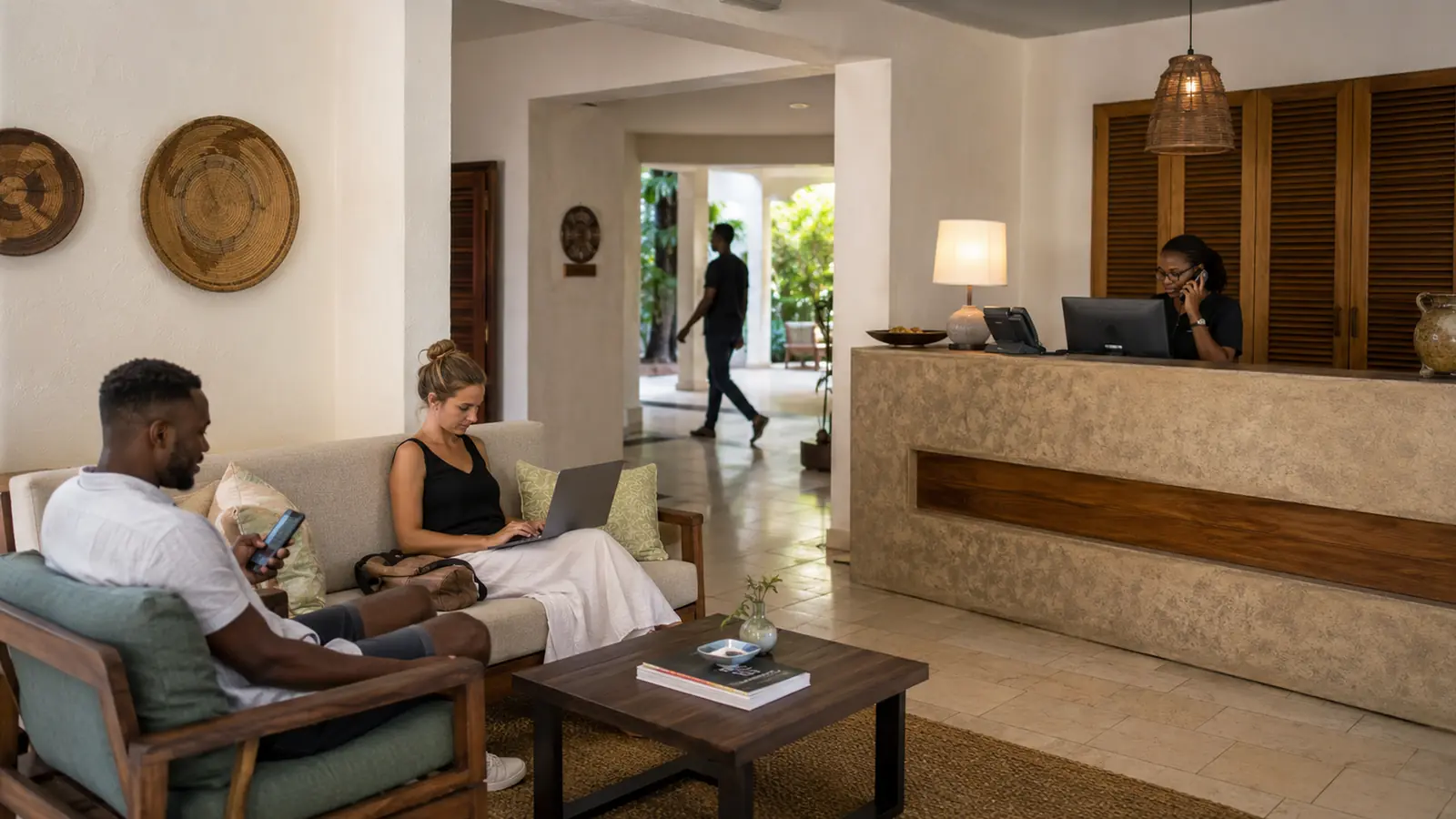
Free Wi-Fi can improve a guest experience. It can also create unnecessary risk when every device joins the same unrestricted network.
A visitor’s phone, a reception computer, a security camera, a printer and a manager’s laptop all have different purposes. Their access needs to reflect that.
Network separation turns that principle into a technical boundary.

One password does not create one safe environment
Small businesses often begin with one router and one Wi-Fi name. The arrangement feels simple:
- staff connect
- guests ask for the password
- cameras and televisions join
- printers and payment devices are added
- technicians connect when they visit
Over time, nobody knows how many devices remain connected or what they can reach.
The risk is not only a deliberate attack. A guest device may already be compromised. An outdated connected device may expose a weak service. A large download may affect operational traffic. A staff member may accidentally share access that was intended to be private.
The network should assume that different users and devices have different trust levels.
Build zones around purpose
A practical design may separate:
Guest access
Internet access for visitors, usually isolated from other guests and from internal systems.
Staff access
Approved employee devices using the services required for work.
Business operations
Reception, finance, stock, booking, payment and other critical systems.
Cameras and connected devices
Cameras, televisions, access control, printers and other equipment with limited communication needs.
Administration
Restricted management access for network configuration.
These zones can be implemented through separate networks, access rules and device policies. The exact architecture depends on the equipment and operation.
Keep the design as simple as possible while enforcing minimum necessary access.
Guest devices should not discover each other
On an open or poorly configured guest network, one visitor device may be able to see or contact another.
Client isolation can reduce that exposure. Guests receive internet access without being placed in a shared local environment where devices discover each other.
The guest network should also be prevented from reaching router administration, cameras, printers and internal addresses.
Testing matters. A separate Wi-Fi name is not proof of real separation if the underlying configuration still allows access between networks.
Protect performance as well as security
Guest traffic can consume capacity required by the operation.
Reasonable controls may include:
- per-device limits
- fair-use policy
- prioritisation of business applications
- restrictions on abusive traffic
- separate capacity for events or high-occupancy periods
- visibility into unusual demand
Controls should match the service promise. A hotel offering guest Wi-Fi as part of a premium stay needs a different capacity plan from a small waiting area offering basic access.
The network should protect critical work without creating an unnecessarily poor guest experience.
Connected devices deserve their own boundary
Cameras, televisions, printers and other connected devices may receive fewer updates than laptops and phones. They may also use default settings or cloud services that are poorly documented.
Placing them in a controlled zone limits what they can reach.
The business should record:
- device type and location
- owner
- administration account
- update process
- required network access
- supplier access
- recovery or reset procedure
A camera should communicate with the systems it needs. It should not automatically receive access to every business device.
Access changes with people
Staff networks should not depend on one permanent password shared for years.
Where the equipment supports it, individual or role-based access improves accountability. At minimum, the business should have a process to change credentials and remove access when staff, tenants or long-term suppliers leave.
Administrative credentials should be more restricted than ordinary staff access. A person who needs Wi-Fi does not automatically need the ability to change the network.
Captive portals do not replace network security
A guest portal can present terms, collect approved information, support branding or manage access duration. It does not create safe separation by itself.
The network behind the portal still needs:
- correct isolation
- access rules
- capacity management
- administration control
- privacy-aware data handling
- monitoring and support
Treat the portal as one customer-facing component, not the security architecture.
Verify the design
A network review should test what each zone can actually reach.
It should confirm that:
- guests can access the internet but not internal systems
- guest devices are isolated where intended
- staff reach the services required for work
- cameras and connected devices have limited access
- administration is restricted
- business traffic retains priority
- documentation matches reality
The result should be understandable to both management and the technical owner.
One property, different access
People, access, devices and information should be under control on the network as well as in the cloud.
Palmward designs business connectivity around real roles: guest, staff, operations, device and administrator. That separation supports security, performance and clearer troubleshooting.
One property can provide a simple connected experience without placing the entire business on one shared network.
This separation belongs inside the wider business Wi-Fi design. It also makes IT support and troubleshooting much clearer when something goes wrong.


.jpg)