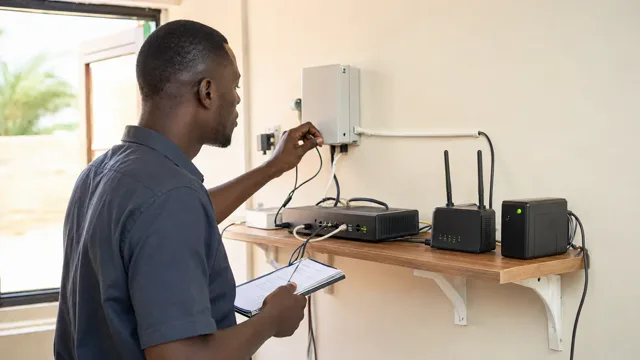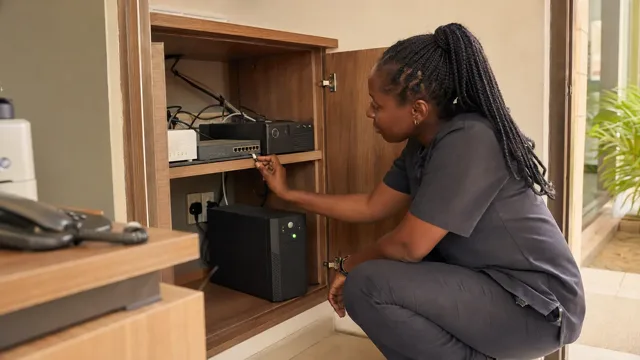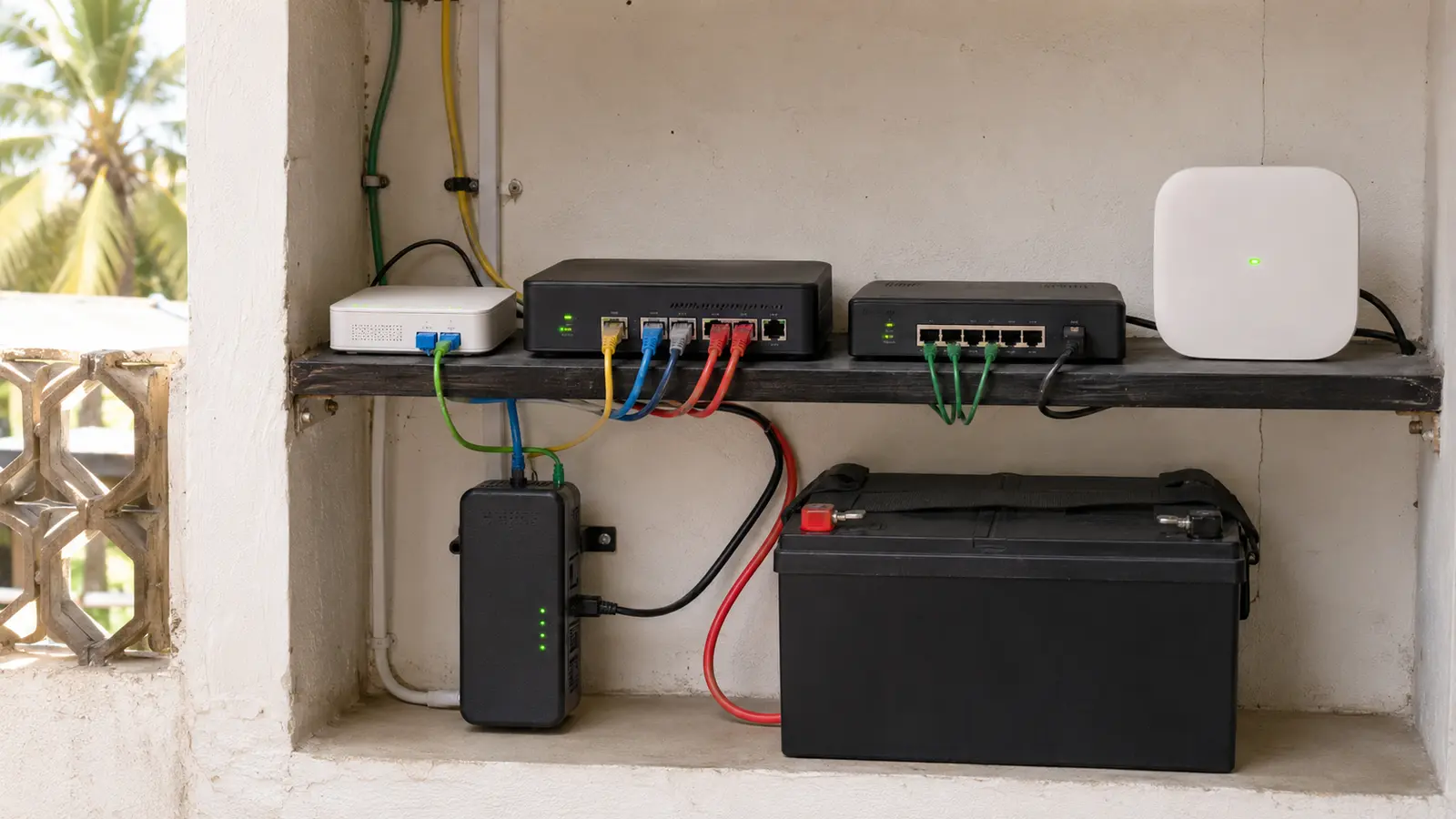
The router still has lights.
The internet is gone.
This happens because the router is only one part of the service. The fibre terminal, fixed wireless receiver, network switch or access point may use a different socket. The provider's local equipment may also have lost power.
Reliable internet during a cut requires two things: protected local power and a second connection that fails differently from the first.
Draw the complete primary path
For a fixed connection, the path may be:
Provider network → building terminal → router or gateway → switch → access point → device
Every powered component should be identified.
Look for:
- fibre ONT or modem
- outdoor wireless receiver and injector
- router
- firewall or multi-WAN gateway
- network switch
- Wi-Fi controller
- access points
- VoIP phone base
- payment device
- monitoring device
If one required component turns off, the service can stop.
Add a backup that is genuinely different
Possible alternatives include:
- mobile data from a suitable operator
- fixed wireless from another provider
- satellite
- a second fixed link with proven route diversity
Two packages from different brands can still share the same upstream infrastructure, building cable or power dependency. Ask where the paths actually differ.
The backup should be selected by coverage, capacity, latency, data policy, equipment availability and the business tasks it must support.
Do not assume a phone hotspot is enough for a hotel, office or busy POS environment.
Automate the transition where it matters
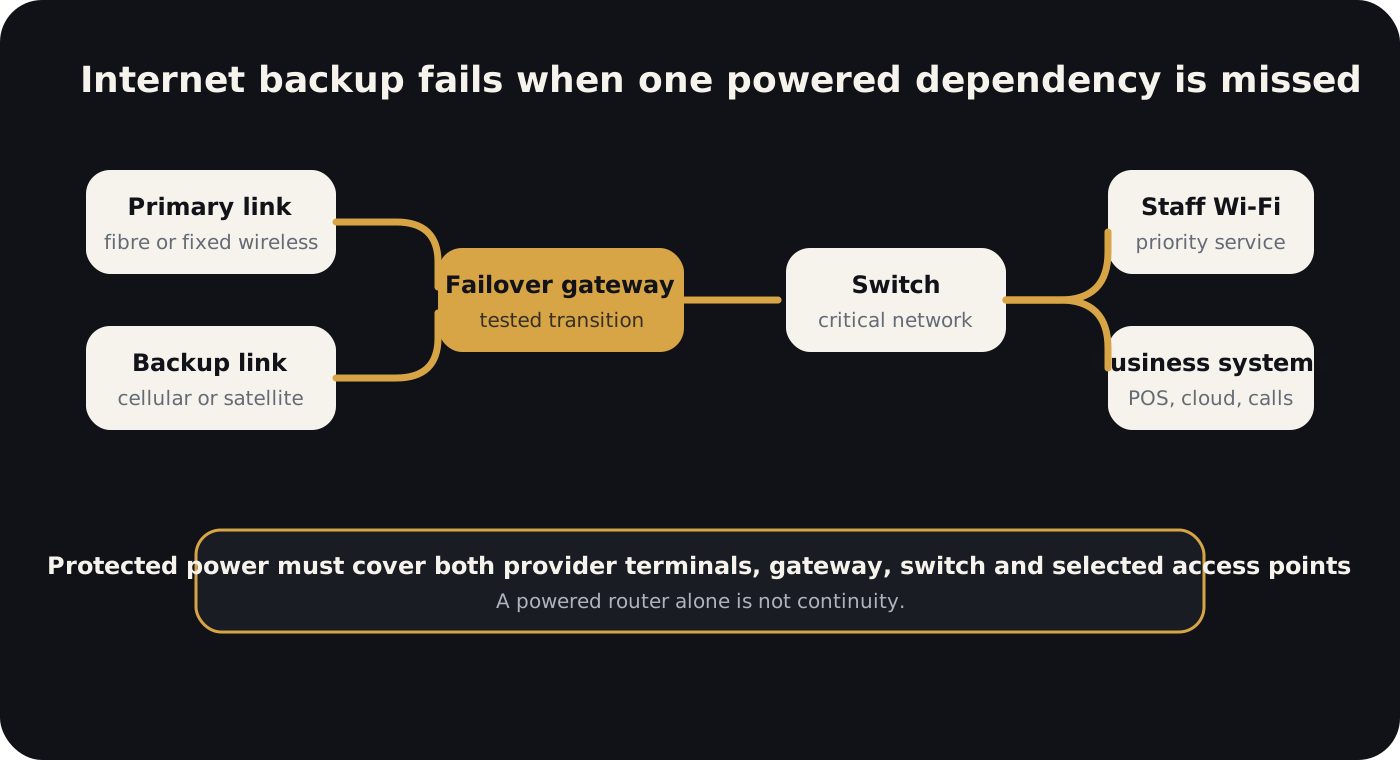
A multi-WAN or failover gateway can move selected traffic to the backup path when the primary link fails.
The design should define:
- how failure is detected
- how quickly traffic moves
- which users have priority
- which applications are restricted on backup
- when service returns to the primary link
- how repeated flapping is prevented
- who receives an alert
Automatic failover should be tested. A menu showing “backup connected” does not prove that payments, DNS, VPN or cloud applications work correctly.
Power the full alternative route
The backup modem or satellite terminal must be on the critical power circuit.
So must:
- the failover gateway;
- required network switch;
- selected access points;
- authentication or controller equipment;
- any powered outdoor receiver;
- the staff device needed to use the service.
Estimate the network load separately. It is often modest compared with air conditioning or refrigeration, which makes reliable internet a strong early use for battery backup.
Design a reduced network mode
During a long outage, not everyone needs full service.
A business can prioritise:
- payments and bookings;
- staff communication;
- security and monitoring;
- management access;
- limited guest or customer use.
Streaming, large downloads, updates and unrestricted guest Wi-Fi can be paused on the backup link.
This preserves bandwidth and battery runtime.
Test five real failures
Test:
- primary internet failure while grid power remains;
- grid failure while primary internet remains available;
- grid and primary internet failure together;
- return of unstable primary service;
- backup data limit or signal degradation.
Confirm:
- WhatsApp messaging;
- POS or mobile money workflow;
- website and cloud access;
- voice calls where relevant;
- VPN;
- cameras or remote monitoring;
- DNS resolution;
- acceptable user experience.
Record transition time and any sessions that break.
Understand the building limitation
A fixed provider may deliver service to the gate, while the internal distribution is poor.
Long copper runs, exposed cable, weak Wi-Fi placement, bad connectors and unprotected switches can turn a good external connection into a bad user experience.
For a new property, plan ducts, equipment space, power and access points during construction. The fibre-ready building guide explains that layer.
Monitor service, not only signal bars
Useful monitoring includes:
- internet reachability
- latency and packet loss
- active WAN path
- backup signal quality
- data use
- gateway power state
- battery runtime
- critical access point availability
The alert should answer: what failed, what path is active and what action is required.
The backup internet guide covers link diversity in more depth. The power continuity guide covers battery dependencies.
Palmward treats power, provider links, local network and business applications as one operating service. That is how internet remains useful when the grid does not.