

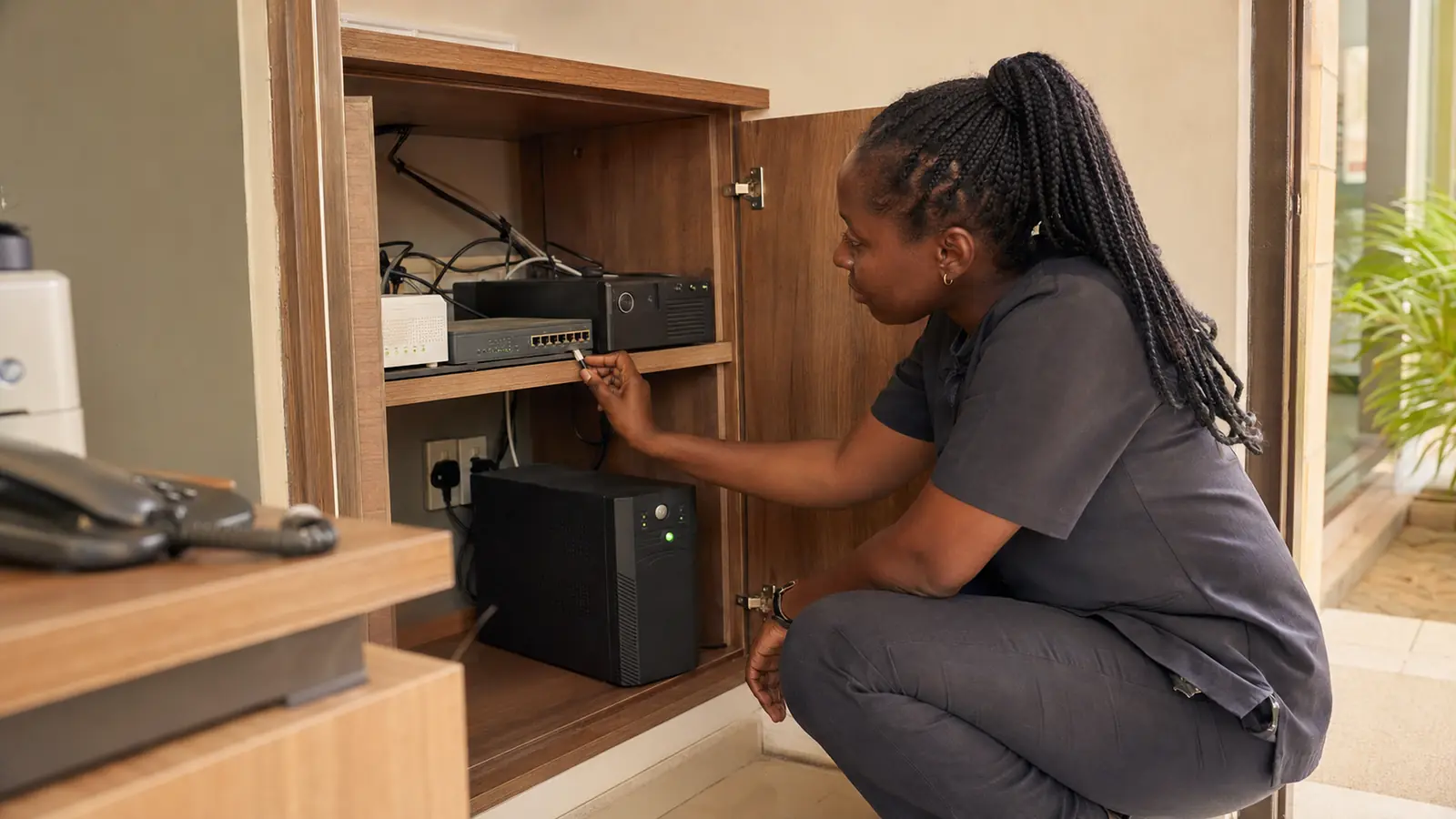
A battery backup can keep a router’s lights on while the business remains offline.
The provider terminal may have lost power. The network switch feeding the access points may be down. The camera recorder may have stopped. The laptop needed to access the booking system may not be protected. The backup connection may depend on another device outside the battery circuit.
Power continuity works only when the complete service path is understood.

Define what must continue
Do not begin by choosing a battery size.
Begin with business priorities.
During an outage, the organisation may need to preserve:
- customer calls and messages
- internet gateway and selected Wi-Fi
- booking or payment access
- reception or front-desk operations
- cameras and access control
- essential lighting or communication
- network monitoring
- a small number of workstations
- backup connectivity
Not every device needs the same runtime. Separate critical services from convenient ones.
Map the complete chain
For internet and Wi-Fi, the chain may include:
Provider equipment → gateway → switch → access point → user device
For cameras:
Camera → network or power source → switch → recorder or cloud path → viewing device
For a business application:
Internet → network → user device → identity service → cloud application
If one required component loses power, the service may fail.
Create a simple diagram and physically verify each power connection.
Measure the real load
Equipment labels and advertised capacity provide a starting point, but measured consumption gives a stronger design.
Consider:
- normal power use
- peak demand
- startup behaviour
- power-factor and inverter requirements
- battery ageing
- environmental heat
- future equipment
- efficiency losses
Runtime estimates should include a safe margin. A system that achieves the required hours only when the battery is new and lightly loaded is not a robust design.
Choose the continuity objective
Different businesses need different outcomes.
Safe shutdown
Enough time to save work and stop equipment correctly.
Bridge to generator
Continuous operation during the interval before generator power becomes stable.
Essential-hours operation
Keep a limited set of services running for a defined period.
Extended operation
Support critical systems through longer outages using larger battery, solar, generator or a combined design.
The objective determines capacity, cost, monitoring and maintenance.
Separate critical and non-critical loads
A television, printer, kettle or air-conditioning unit can consume capacity intended for the network.
Critical circuits and sockets should be identified clearly. Staff should know which equipment may be connected during backup operation.
For larger environments, design can separate:
- network and communications
- security and access
- essential computing
- general office power
- guest or non-critical loads
This prevents accidental overload and makes runtime more predictable.
Protect power quality
Continuity is not only about total outage.
Voltage fluctuation, surges and unstable generator output can affect sensitive equipment. The design may need appropriate surge protection, voltage regulation, grounding and equipment compatible with the available source.
Electrical work should be performed by a competent professional. Network and systems planning must coordinate with the electrical design rather than treating it as a separate afterthought.
Monitor batteries and test the transition
A battery installed and forgotten will eventually fail.
The business should know:
- battery type and expected service life
- installation date
- current load
- health or fault indicators
- last test date
- actual runtime
- replacement responsibility
- safe disposal path
Test the real transition. Confirm that equipment remains stable, the generator or alternative source behaves correctly, alerts work and critical services remain usable.
Do not test only the battery display.
Include connectivity in the power plan
Backup power for the local network does not guarantee that the provider’s external infrastructure remains available.
This is where internet diversity and power continuity meet.
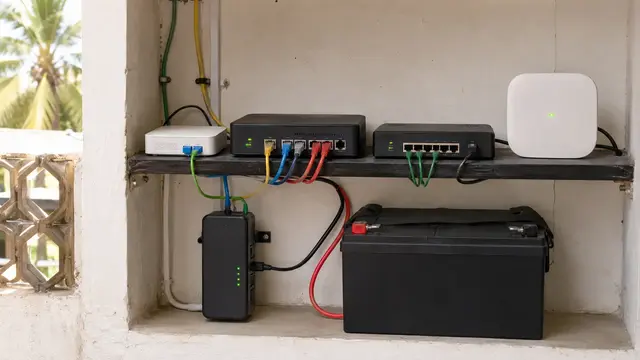
A secondary cellular or satellite path may provide service when fixed infrastructure fails, but its terminal, gateway and Wi-Fi still need power. The backup design should protect the complete alternative route as well as the primary one.
Document a reduced operating mode
During an extended outage, the business may need to operate differently.
A short plan can explain:
- which services remain available
- expected runtime
- what staff should disconnect
- which Wi-Fi network or devices have priority
- when to start or stop the generator
- who receives alerts
- who can authorise non-critical use
- how the system returns to normal
This reduces improvised decisions and preserves capacity.
Protect the service, not only the socket
Internet, power, devices and recovery are one continuity problem.
Palmward maps the critical service, measures the dependencies and designs the appropriate level of backup around the operation.
Protect the work that matters, with known runtime, clear ownership and a tested recovery path.
Power and connectivity need to be tested together. Use the backup internet guide and the business Wi-Fi checklist to map the rest of the critical path.

.jpg)